Penguin Pro 14 GNU/Linux Desktop Documentation
Supporting GNU/Linux often differs from supporting other operating systems due to a range of desktop environments, distributions, and releases. As such it's often the case we have more applicable documentation for a product than we've actually posted. As such if you don't see what you are looking for below please contact support for additional information/documentation and include as much information as possible about your situation/problem/need. Include (to the degree known) what the model # is, desktop environment you are using, distribution, and any release information.
Keys to bring up the boot menu & get into the BIOS:
| Name |
Model |
Boot Menu Key |
BIOS Key |
| Penguin Pro 14 |
TPE-PRO14PC |
F8 |
DEL |
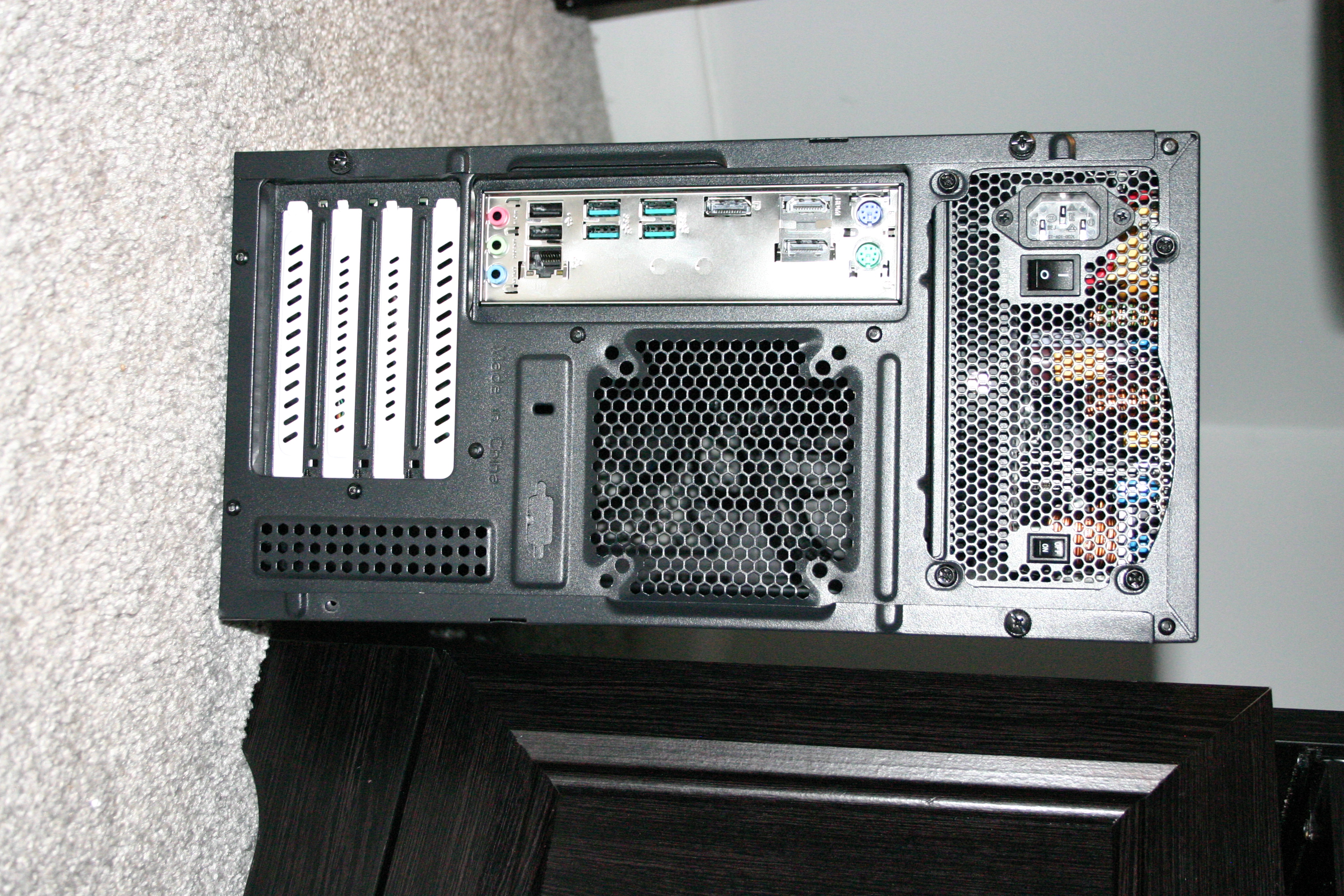
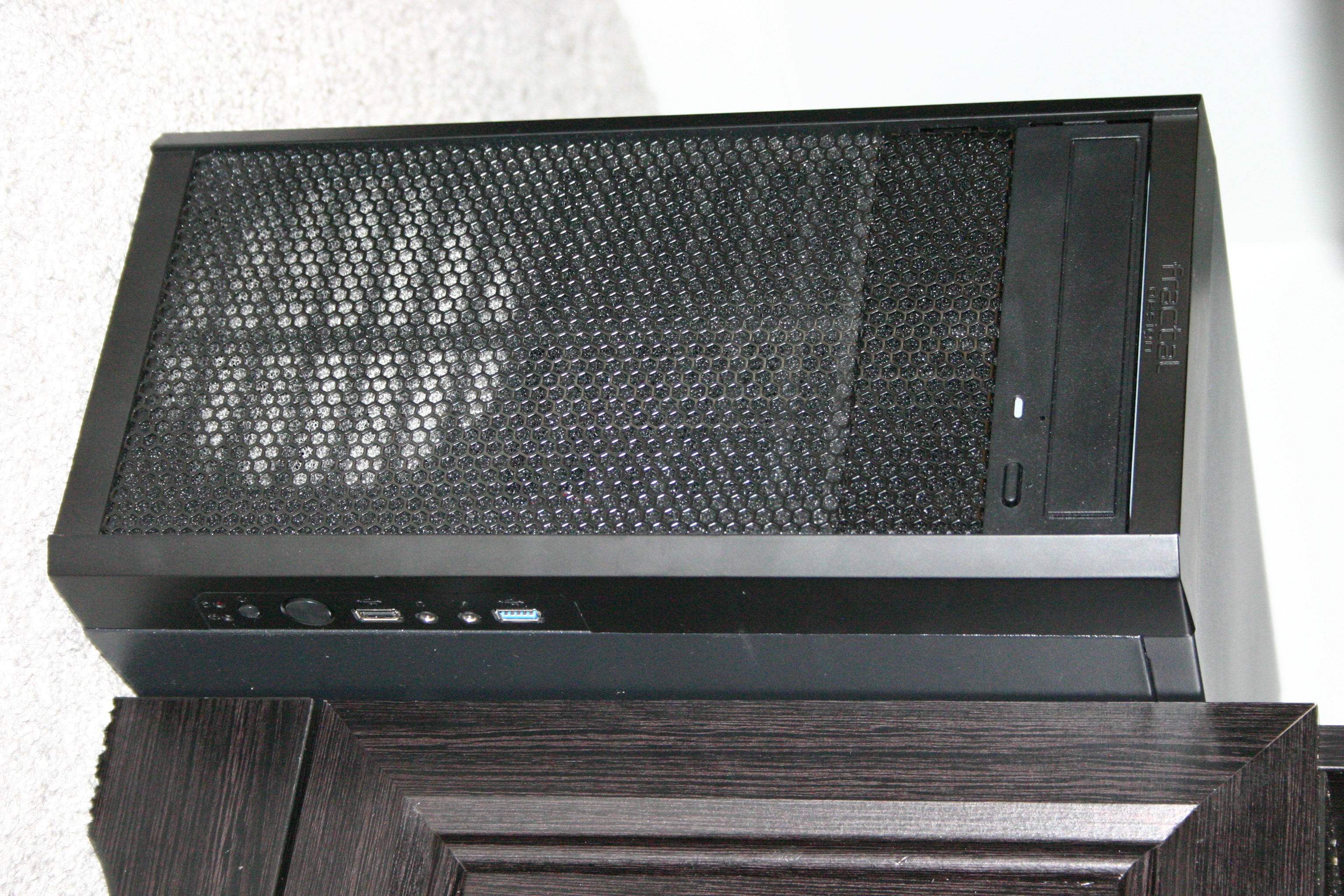
Curious what it looks like up close and/or inside? Take a look inside or check out these photos: back shot and front shot.
Disabling secure boot
Looking to disable secure boot? Our systems generally ship with secure boot disabled, but in the event that it has not watch this video demonstration on how to do this on the Penguin Pro 14.
Initial Setup Instructions
We have documented hooking the pro 14 PC up to one of our 22" inch monitors. The directions are similar for other monitors, but not identical. If you need further assistance please reach out to technical support.
Connecting a monitor to a Pro 14 PC
Hot Swap Bay
Penguin Pro Systems: Using the hot swap bay
Changing Power On Loss Settings on the Pro 14
Directions for setting up the Pro 14 to automatically turn back on after restoration of power in a power loss scenario.
BIOS Update 8/4/2026
We don't necessarily recommend updating the BIOS unless there is a particular problem your looking to solve. There have been a few minor security fixes pertaining to the BIOS since the Pro 14 was released. These security issues usually don't have practical implications for the vast majority of our customers and given the risk of 'bricking' (permanently damaging) a system in the process it's generally not advisable to apply the updates without there being a good reason to do so. If you wish to proceed you may do so by following the directions included in the readme within the zip file (SHA256SUM). Some minimal testing has been done to confirm this BIOS update works on the Pro 14.
|
|